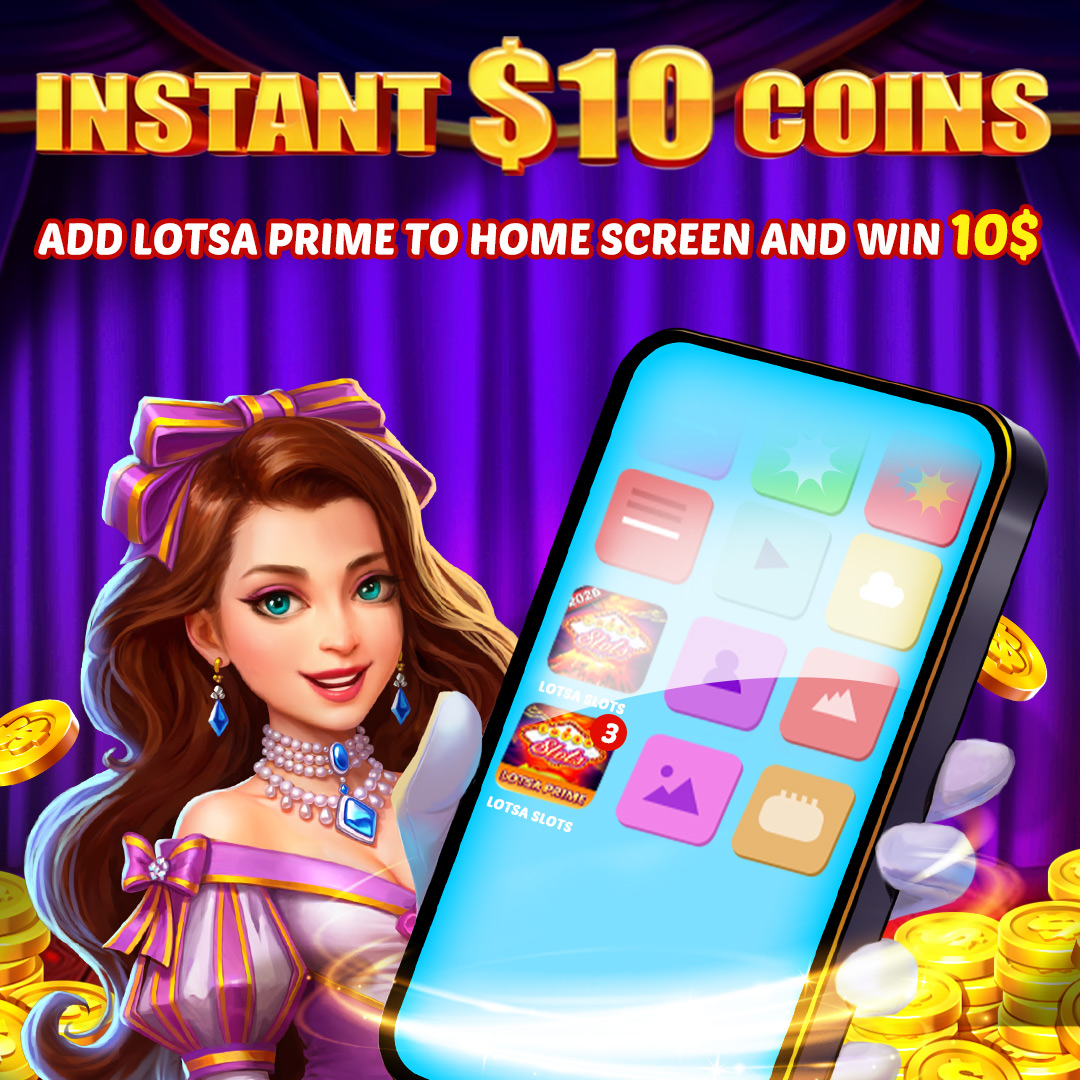
Want to claim your Daily Rewards faster? Add Lotsa Prime directly to your home screen for instant access!
Follow these simple steps:
- Open the Lotsa Prime Web Store homepage on your browser.
- Find and tap the "Save to homescreen" button on the page.
- A prompt will appear. Tap "Install" to confirm.
You're all set! The Lotsa Prime icon is now added to your home screen. You can tap it anytime for quick access.
🎁 Special Bonus: You will receive $10 coins reward the first time you add Lotsa Prime to your home screen!
📌 Please note: This is a one-time only reward. Removing and re-adding the icon to your home screen will not grant the reward again.