Three steps to top up Jackpot Cash.
- Log in to the Jackpot Wins Surpreme Store official website👉 https://jackpot-wins.com/shop?bi_code=support
- Select the item and fill in your card information.
- Top up Jackpot Cash and check them in Jackpot Wins.
How to top up tokens via credit card on a mobile device:
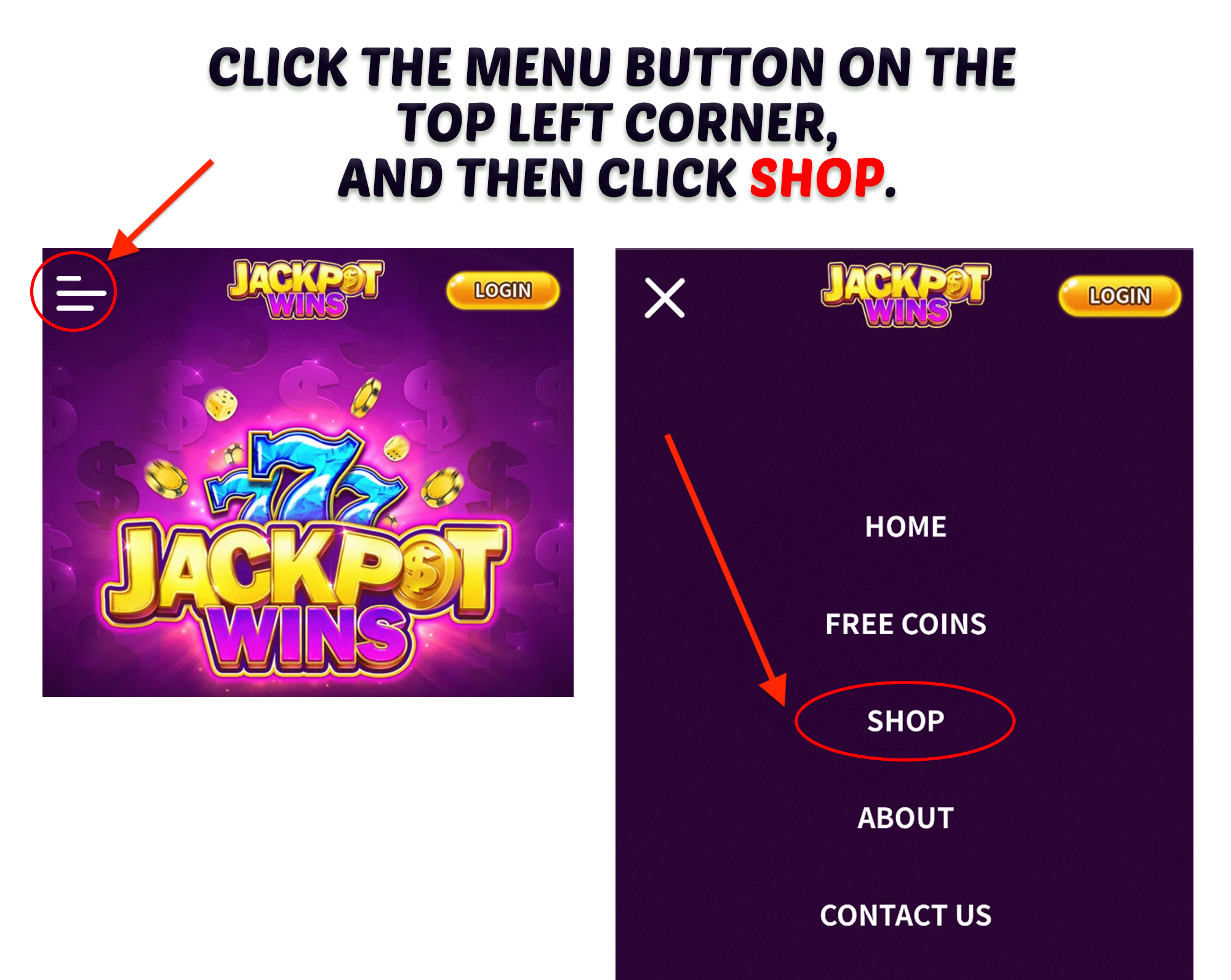
1. Log in to the website of Jackpot Wins Surprme Store (https://jackpot-wins.com/shop?bi_code=support), you may click SHOP on the top of the website.
2. Log in to your Jackpot Wins account and check your account info, you can log in directly through Jackpot Wins.

3. Select the item you preferred, read the terms and conditions, and continue to top up.

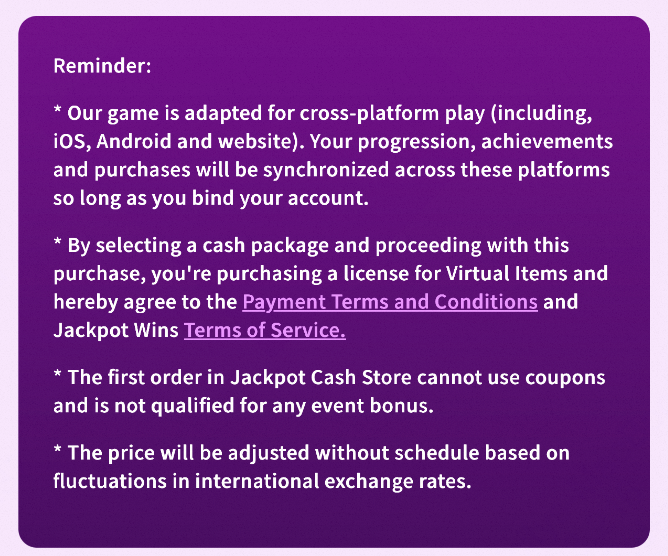
4. Select your preferred payment method and complete the payment by filling in the relevant information.
5. Purchase completed!
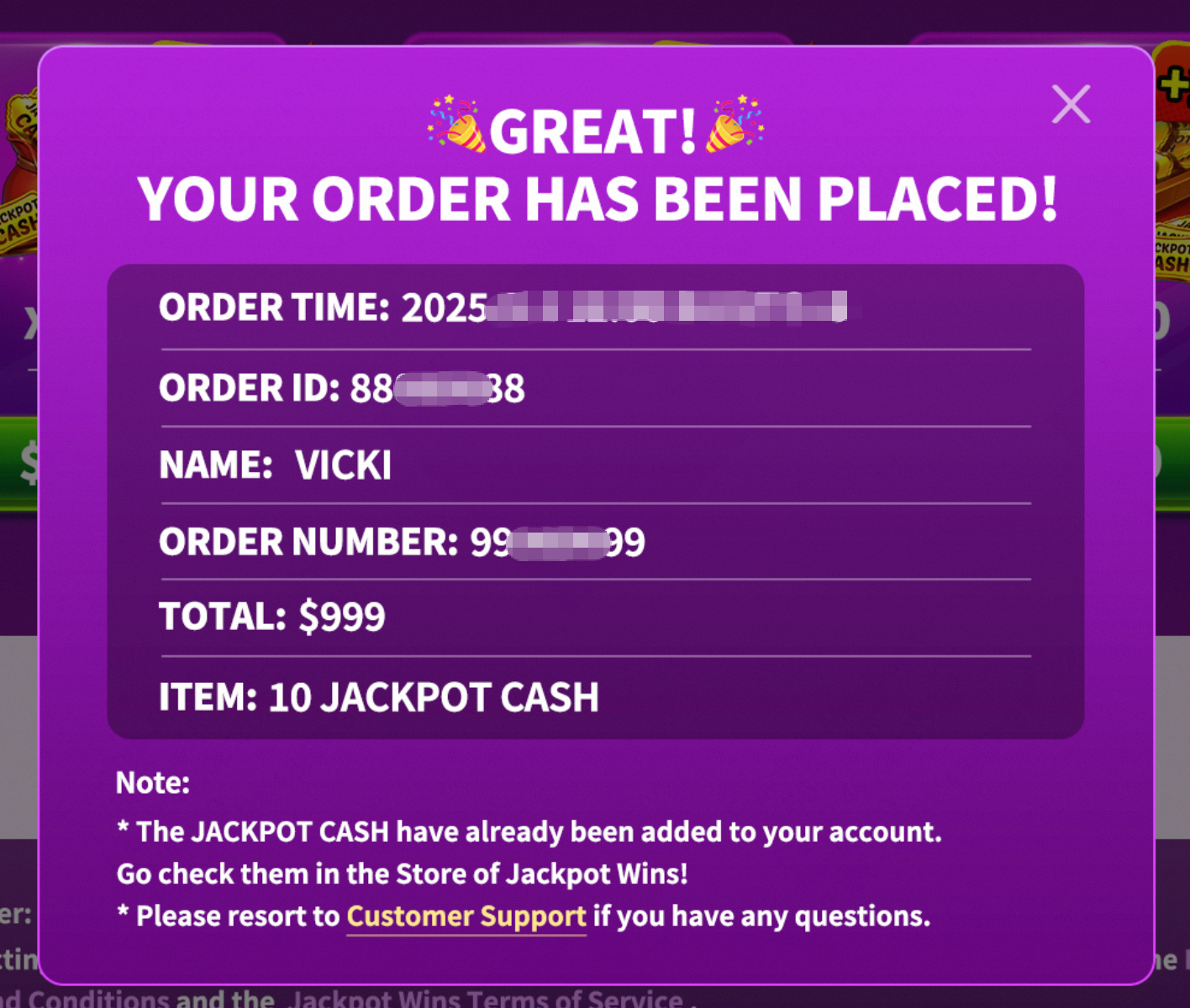
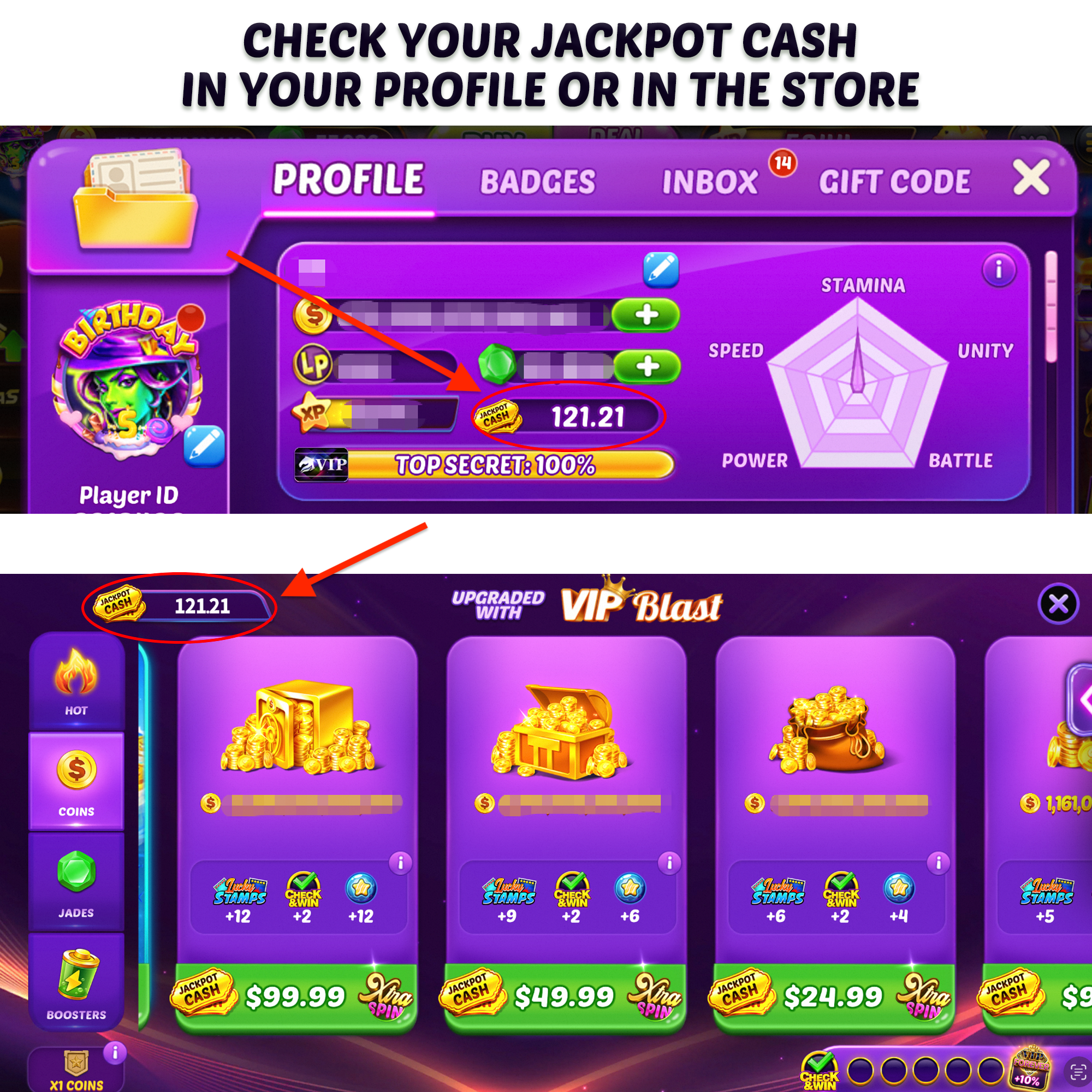
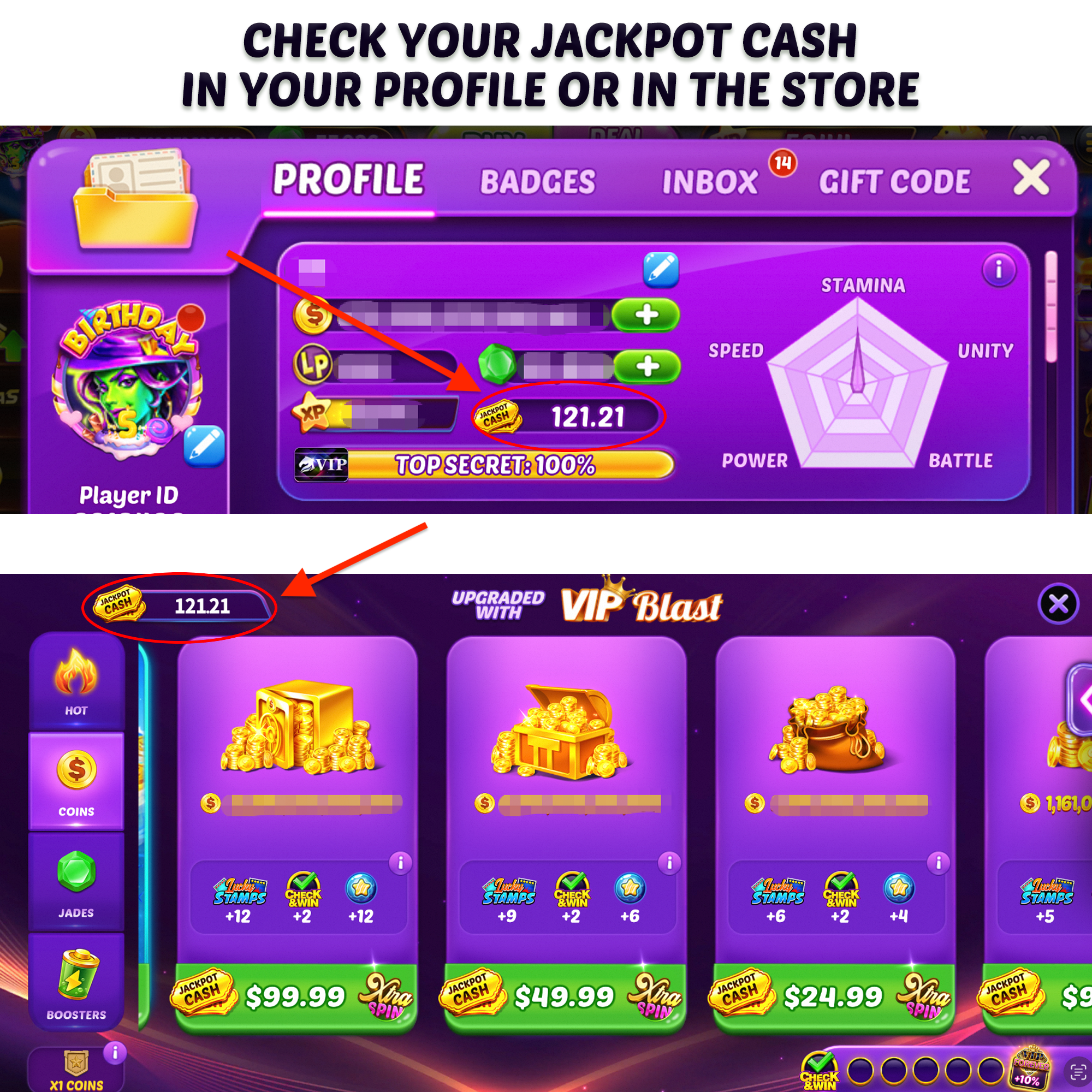
6. After successful payment, you can check the quantity of the amount of Jackpot Cash in your Profile or in the Store. Please note that you must log back into the game to refresh the amount.
How to top up Jackpot Cash on a PC:
1. Log in to the website of Jackpot Wins Surpreme Store (https://jackpot-wins.com/shop?bi_code=support), you may click SHOP on the top of the website.

2. Log in to your Jackpot Wins account and check your account info.

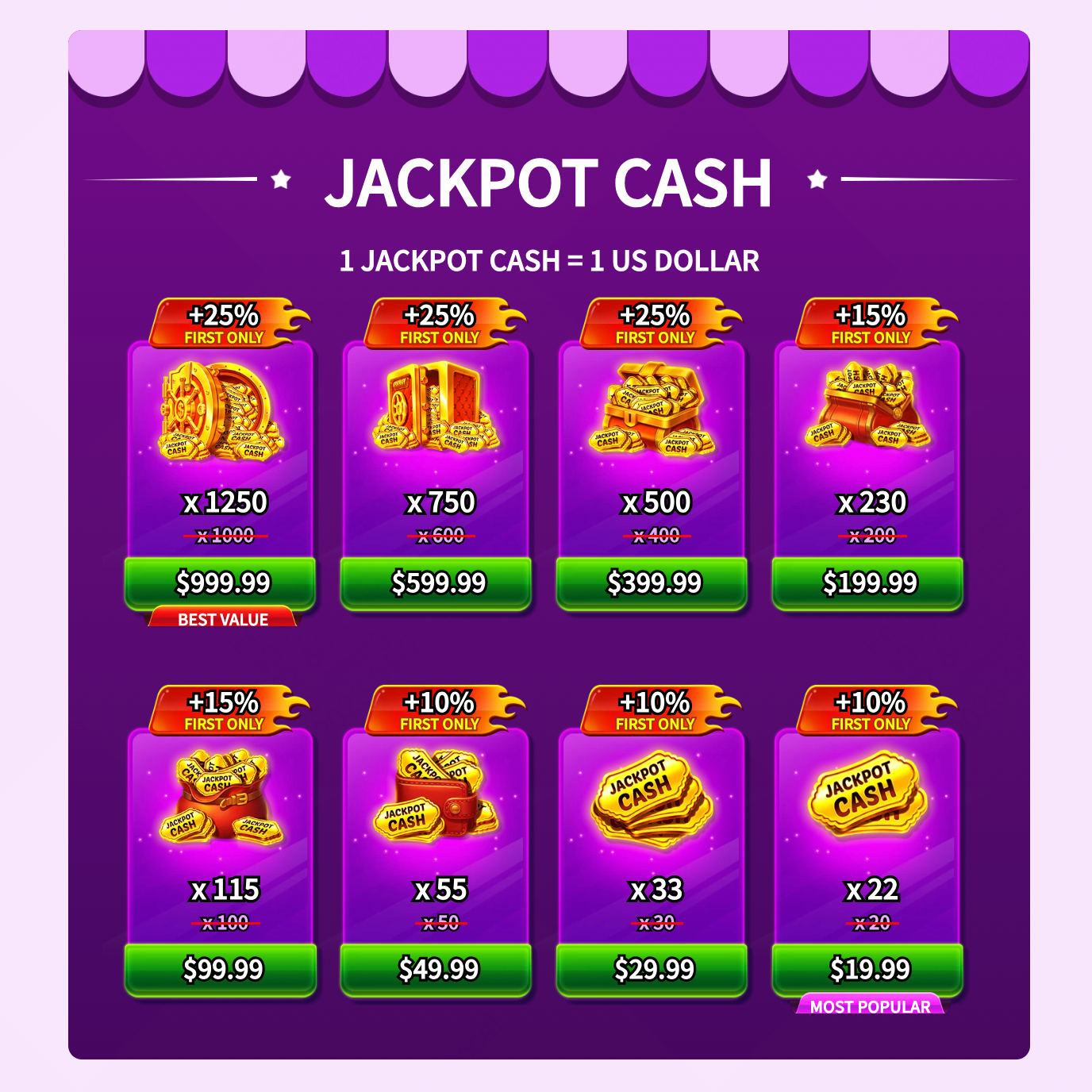
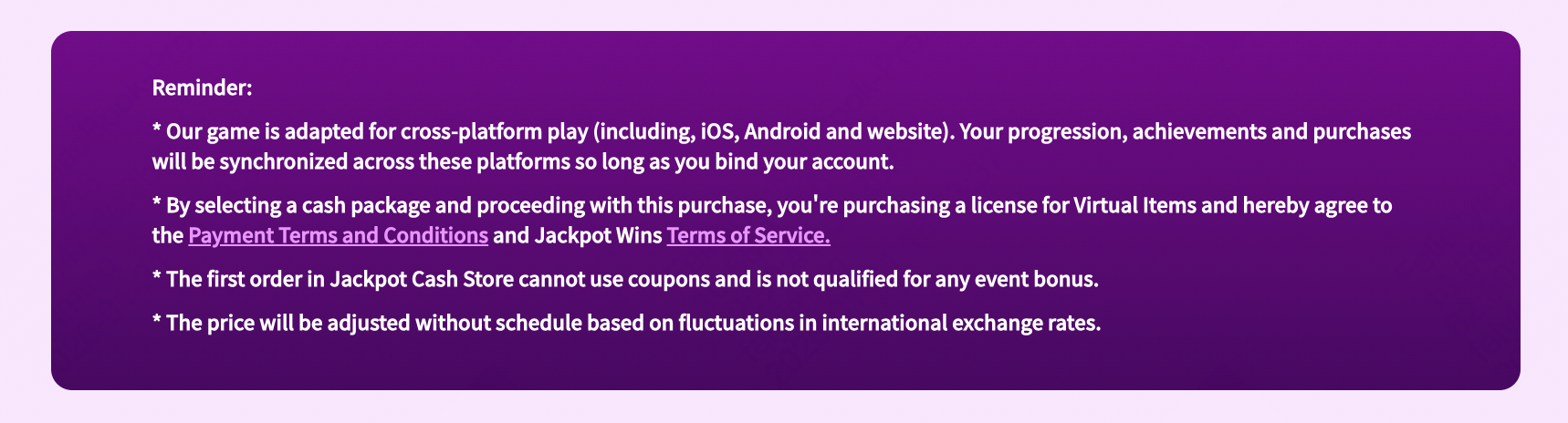
3. Select the item you preferred, read the terms and conditions, and continue to top up.
4. Select your preferred payment method and complete the payment by filling in the relevant information.
5. Purchase completed!
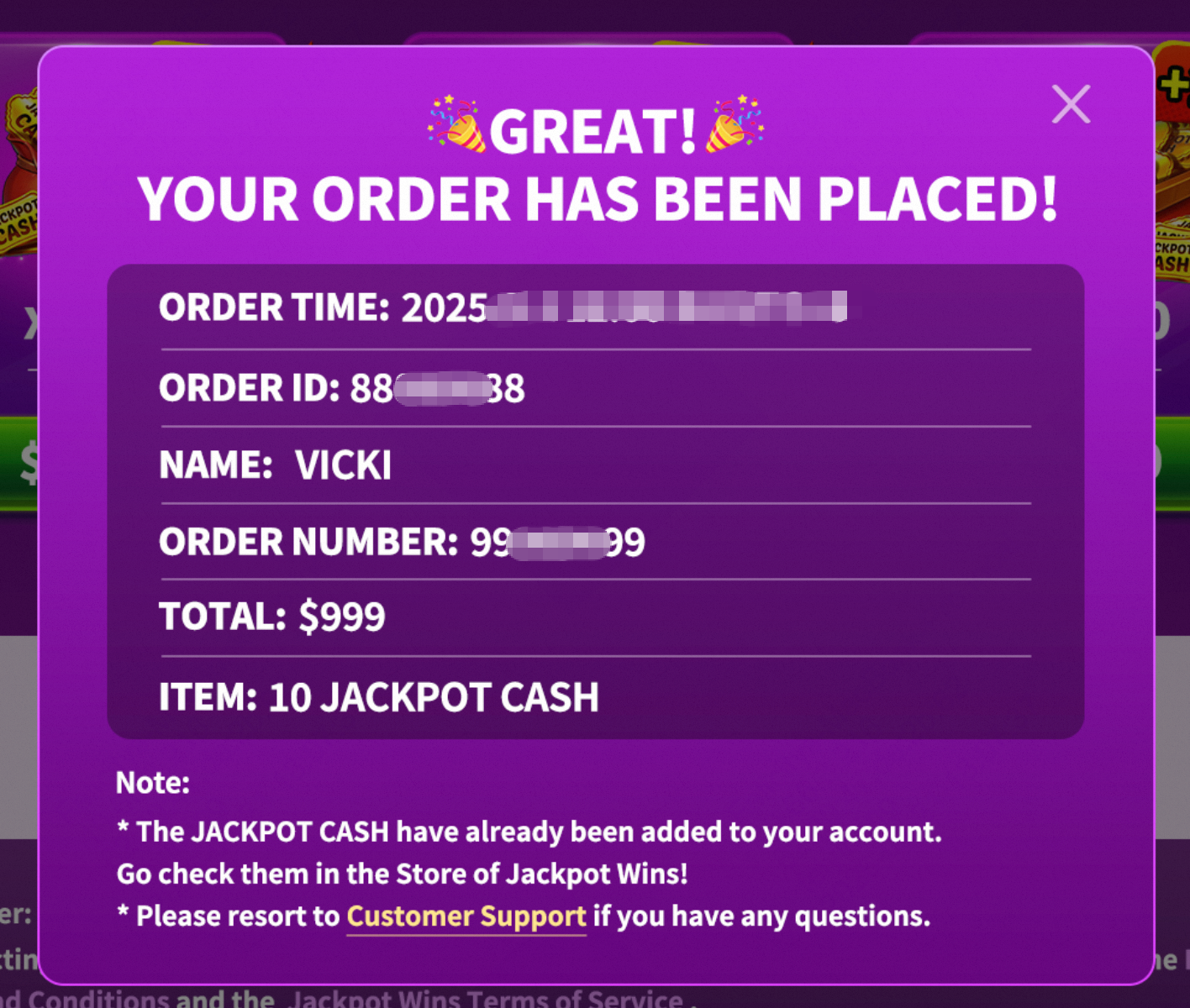
6. After successful payment, you can check the quantity of the amount of Jackpot Cash in your Profile or in the Store. Please note that you must log back into the game to refresh the amount.